Why Is My Business Not Showing Up on Google Maps?
The most common visibility problems affecting local map results and a practical checklist for improving your presence.
Written by Mercial
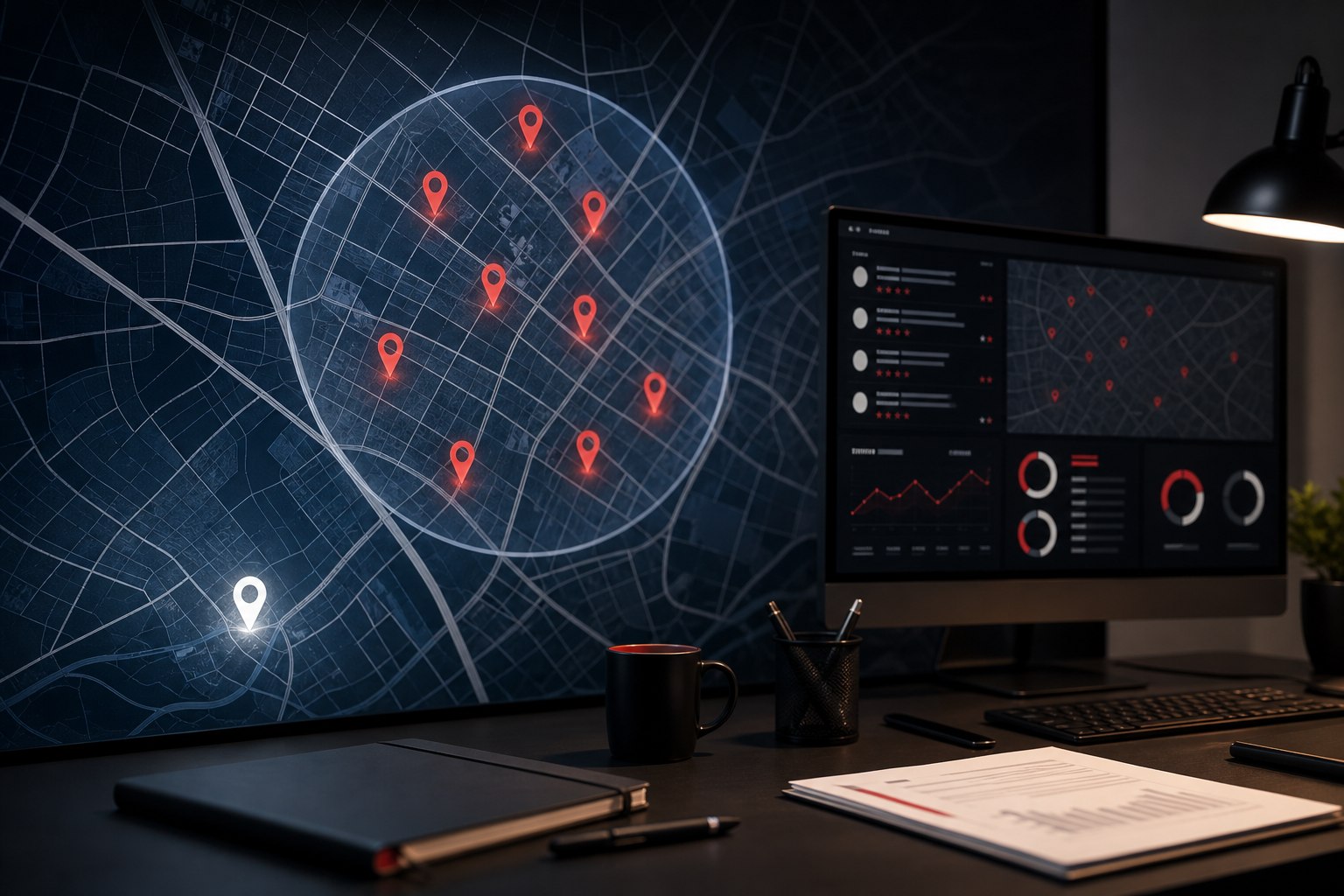
If your business is not showing up on Google Maps, the issue is usually not one single setting. Google decides local visibility by looking at how relevant the business is to the search, how close it is to the searcher or searched location, and how prominent or trusted the business appears across the web.
A business can have a verified Google Business Profile and still struggle to appear if the profile, website, reviews, categories, or local signals do not match the searches it wants.
Common reasons a business does not appear on Google Maps
1. The profile is not verified or has a policy issue
An unverified, suspended, duplicate, or recently edited profile may not appear normally. Check the Google Business Profile dashboard for verification prompts, suspension notices, duplicate listings, address edits, or category changes waiting for review.
2. The primary category is wrong or too broad
The primary category is one of the strongest local relevance signals. A plumbing company, mechanic, HVAC contractor, law office, restaurant, or medical practice should choose the closest available category, then support it with accurate services, descriptions, photos, and website pages.
3. Google does not connect the business to the searched location
Maps results are heavily affected by distance. A business may rank near its office but not in a nearby city, county, or neighborhood. Service-area businesses still need clear location signals, local content, and realistic expectations about where they can appear.
4. The business has weak prominence signals
Prominence can include reviews, review quality, local mentions, backlinks, directory consistency, website authority, and brand recognition. A newer business or a business with few reviews may need time and consistent local signals before it competes with established listings.
5. The website does not support the local search goal
Google Business Profile visibility is connected to the broader web presence. A thin website with unclear services, no local context, weak internal links, or missing contact information can make it harder for Google to understand what the business does and where it operates.
A practical local visibility checklist
- Confirm the profile is verified, active, and policy-compliant.
- Use the most accurate primary category and relevant secondary categories.
- Complete services, hours, address or service area, phone, website, and business description.
- Add real photos and keep profile information current.
- Build dedicated website pages for core services and genuine markets served.
- Ask customers for reviews consistently and respond professionally.
- Keep name, address, and phone information consistent across major directories.
- Use Search Console, analytics, and call/form tracking to measure real demand.
When Google Ads can help while SEO builds
Local SEO and Maps visibility can take time, especially in competitive categories. Google Ads can help capture high-intent demand while the organic local foundation improves, but the landing page and conversion tracking still need to be clear.
The best fix is usually a stronger local system
Maps visibility improves when the business profile, website, reviews, local pages, directory signals, and customer journey all tell the same story. Treat the Google listing as part of the business system, not as an isolated profile.
Work with Mercial
Need stronger local visibility?
Mercial connects local SEO, website structure, Google Business Profile improvements, and paid search around the markets your business serves.
Explore Digital Marketing